01
Automatic Device-wide Discovery
With your permission, automatically discover, classify, search and manage supported PDF, Word, Excel and PPT documents across accessible shared device storage.
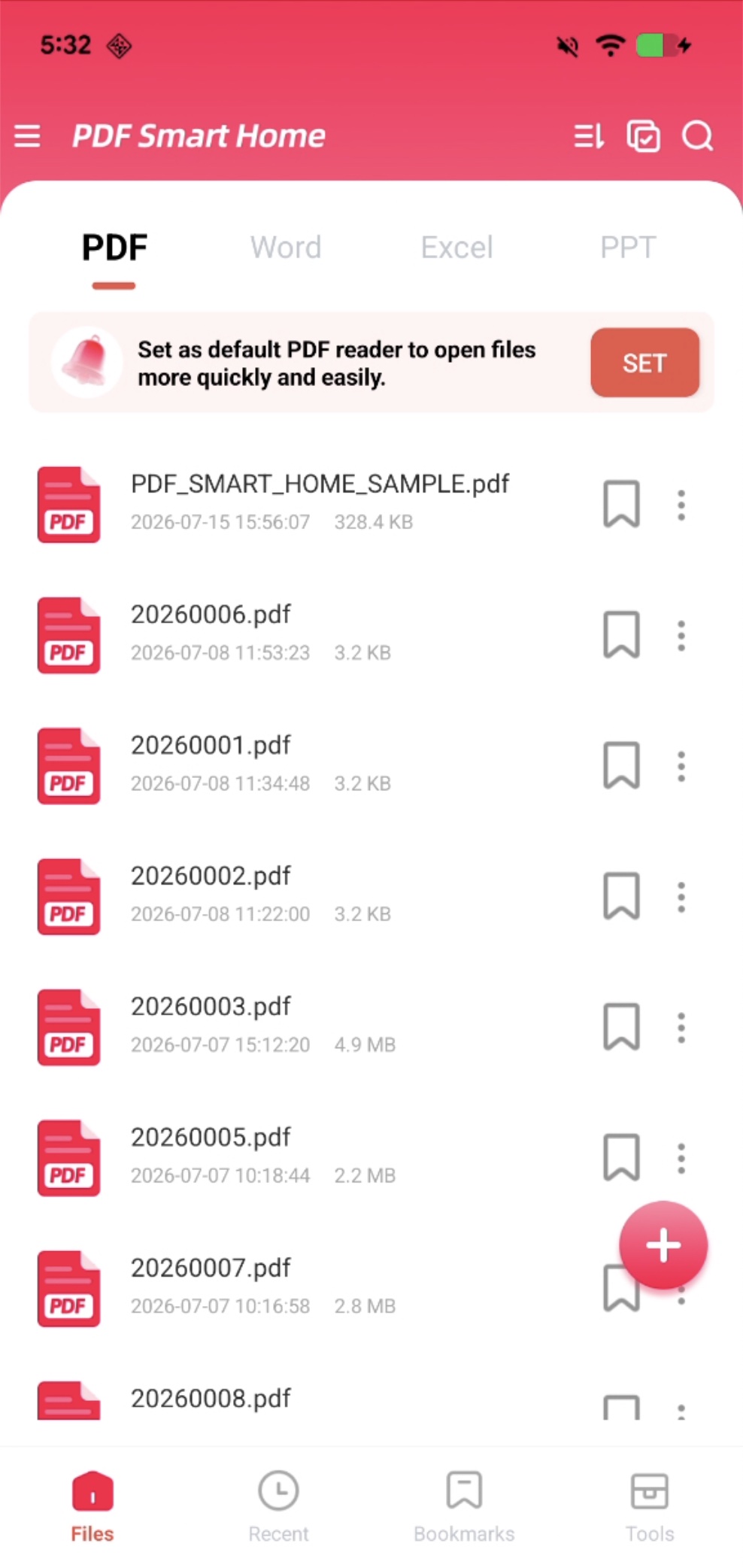
Your device-wide document library
Automatically discover and manage PDF and Office documents across your device. Read, convert, organize and search local files, with optional Home screen shortcuts.
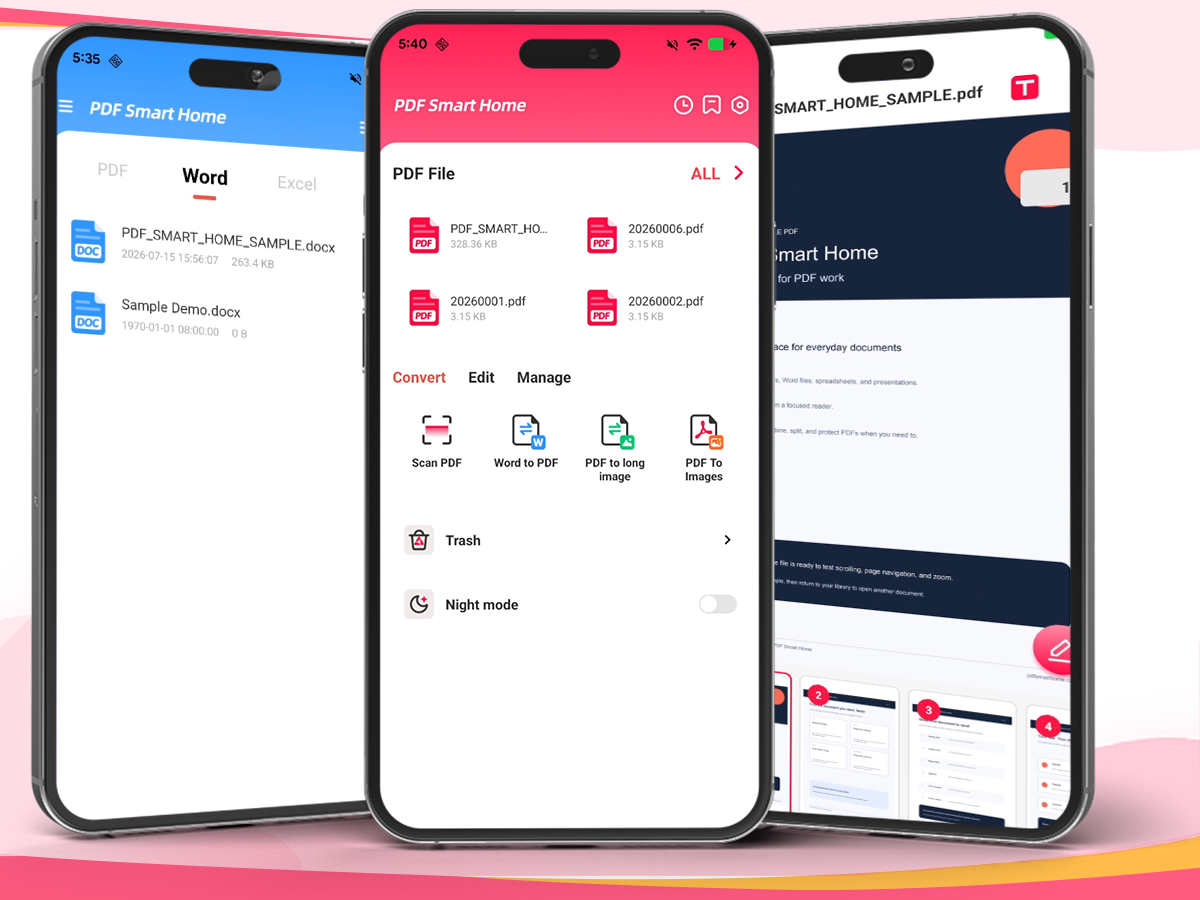
Made for everyday documents
Move from finding a file to reading, converting or organizing it in a few clear steps.
With your permission, automatically discover, classify, search and manage supported PDF, Word, Excel and PPT documents across accessible shared device storage.
Word to PDF, Image to PDF, Merge, Split, Lock and Unlock. Common PDF tools for everyday tasks, done directly on your device.
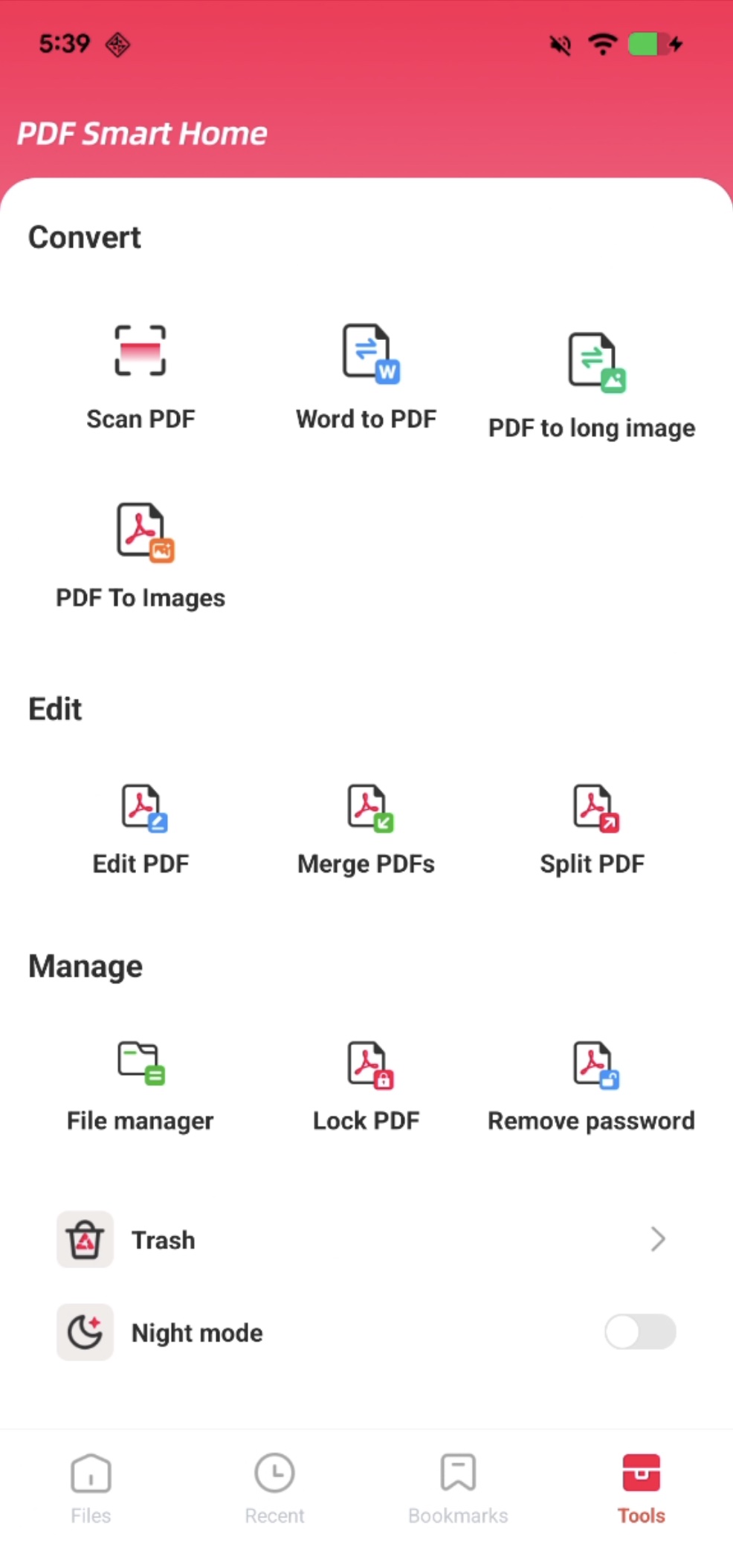
Open PDF files in a distraction-free reader. Zoom in, view file details, open password-protected PDFs and access tools without switching apps.
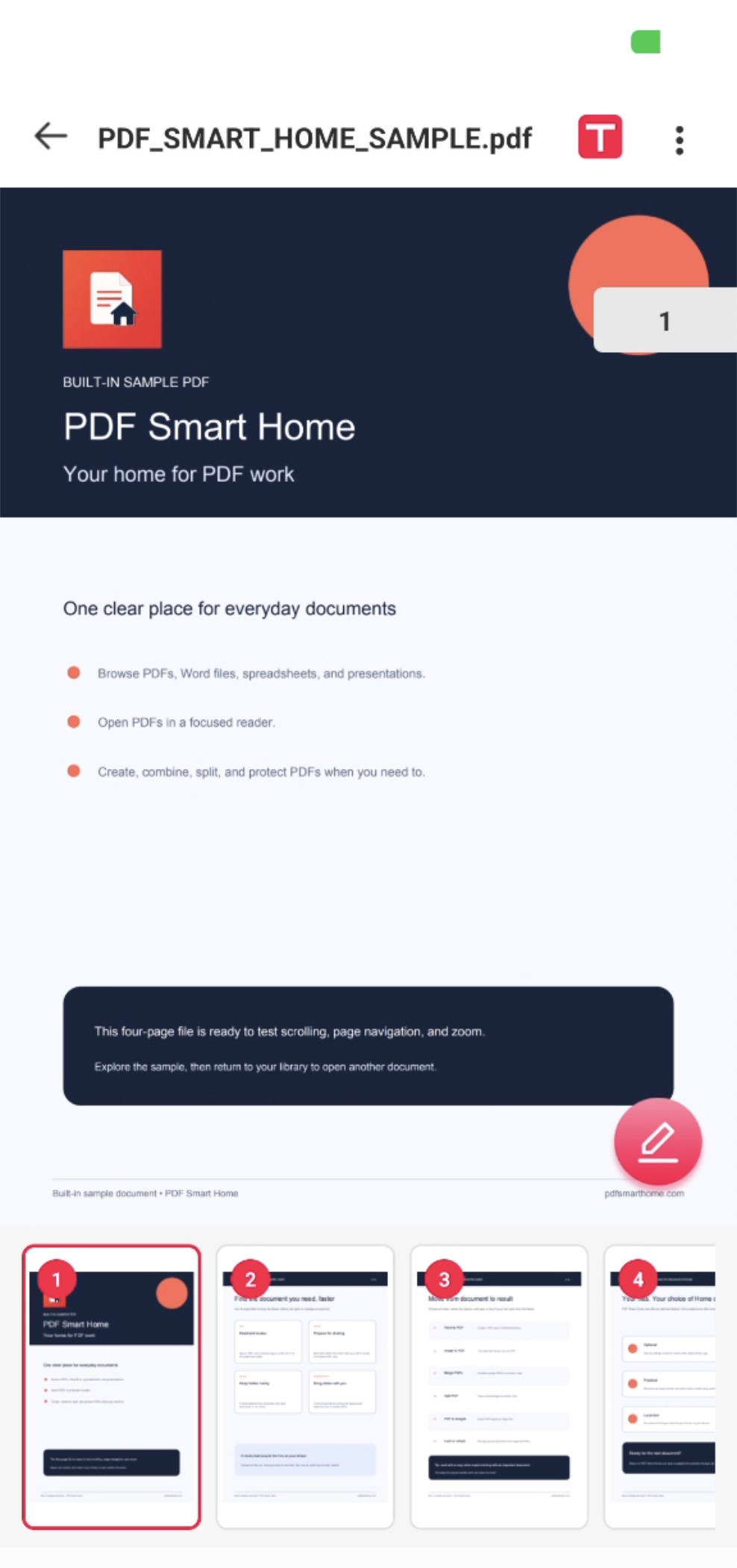
Set PDF Smart Home as your Android Home app for quick access to files, PDF tools and search. Switch back to your original launcher anytime in system settings.
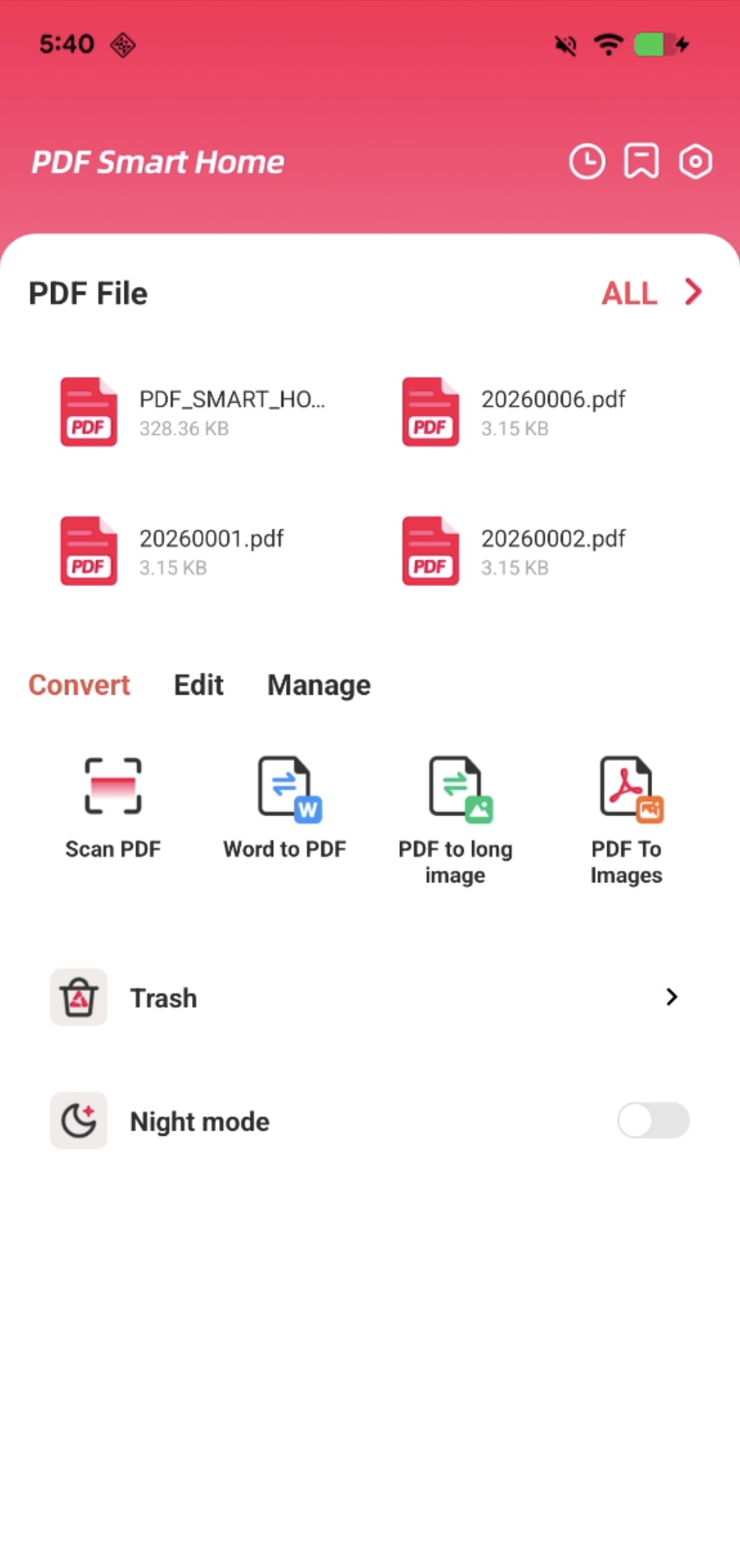
File conversions and PDF edits happen on your device. Your file content stays on your phone.
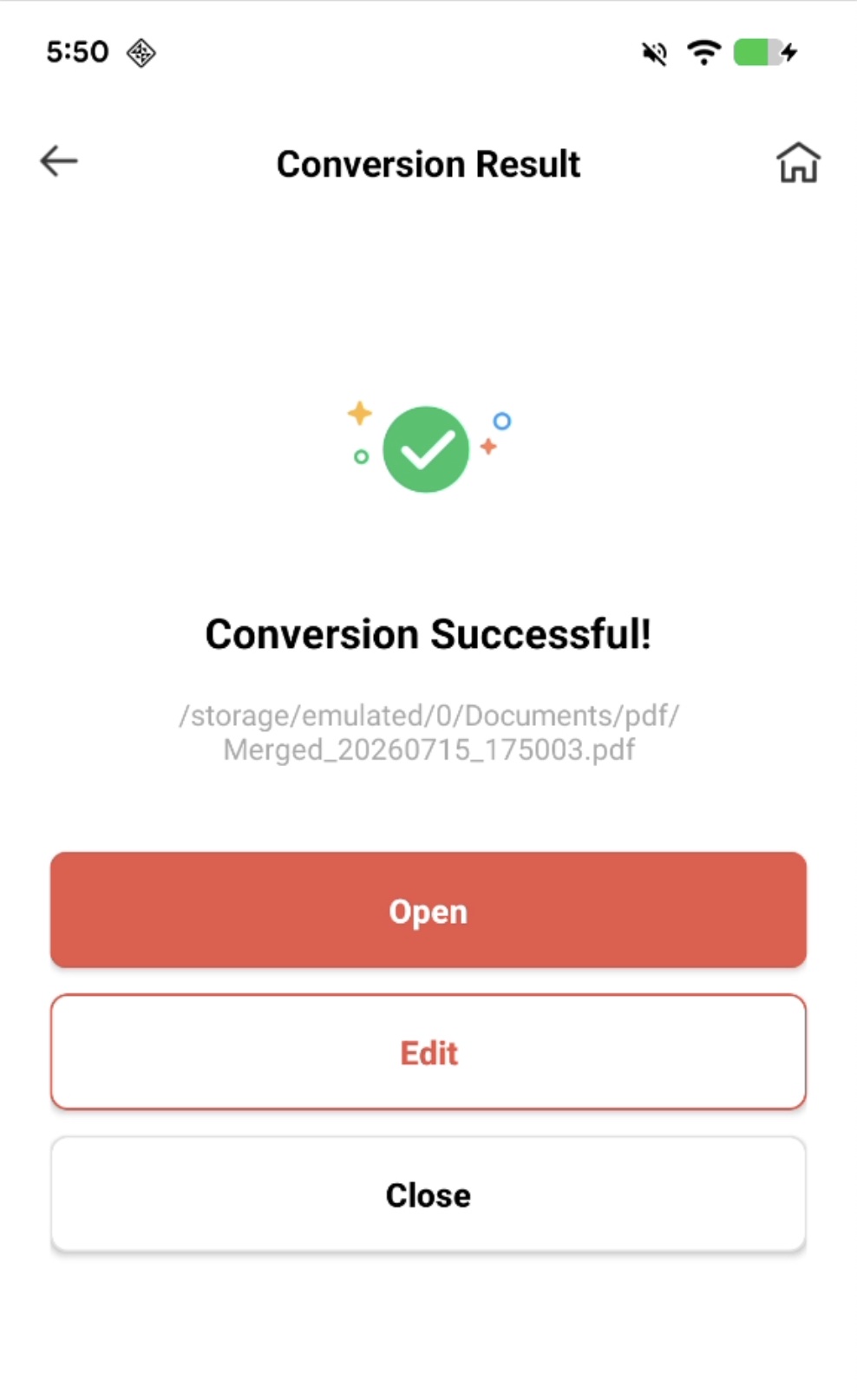
You stay in control. Change this choice anytime in Android Settings.
Your Home screen, your choice
PDF Smart Home can also become your Android Home app, putting documents, PDF tools, apps and search within easy reach. It is always optional.
Good to know
Core document operations are designed to run on your device. PDF Smart Home does not upload your document contents, file names, file paths, passwords or raw local search terms to analytics or advertising services. See the Privacy Policy for the full data disclosure.
No. The launcher experience is optional. You can use PDF Smart Home as a document app without making it your default Home app.
Open Android Settings, go to the default apps or Home app setting, and choose another installed launcher. Menu names can vary by device.
Yes. PDF Smart Home is advertising-supported and may show app-open, interstitial and native ads. Ad availability and personalization depend on region, consent, settings and provider configuration.
Email nrtctz@gmail.com. Please do not attach confidential documents or document passwords.
Contact the developer for product, privacy or support questions.